Secure Remote Access to Your Homelab with Tailscale Connectors
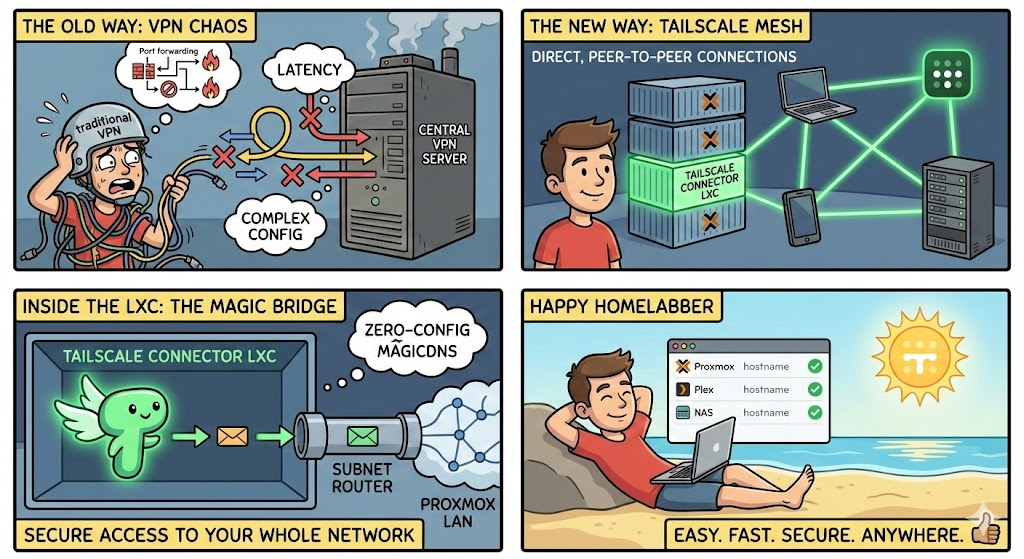
If you're running a homelab and want secure remote access without poking holes in your firewall, Tailscale connectors are the answer. Here's how to set them up and why they're superior to traditional VPN solutions.
Why Tailscale Over Traditional VPNs?
Traditional VPN setups like OpenVPN or WireGuard (self-hosted) require you to forward ports on your router/firewall, opening ports to the outside world. This creates attack surface, port scanners constantly probe for open VPN ports, and misconfigurations can leave you vulnerable.
Tailscale works differently. It uses WireGuard under the hood but establishes outbound connections to Tailscale's coordination servers. Your devices find each other through NAT traversal, meaning zero inbound ports required. Your firewall stays completely closed to the outside world while you get full mesh connectivity between all your devices.
The benefits are significant: no dynamic DNS hassles, no certificate management headaches, no worrying about VPN server hardening, and connectivity that "just works" even behind carrier-grade NAT or restrictive networks.
The Connector Approach
Rather than installing Tailscale on every VM, container, resource in your homelab, you can deploy Tailscale connectors, they are lightweight nodes that advertise your local subnets to your Tailnet. This gives any Tailscale-connected device access to your entire homelab network. There are several ways to deploy these connectors depending on your setup.
Option 1: LXC Containers on Proxmox (Recommended)
Deploying a Tailscale connector as an LXC on each Proxmox host is good practice for redundancy that I follow. If one host goes down for maintenance, the others continue advertising routes and your remote access stays intact. if you're hosts are clustered then one connector is all you need.
Create the LXC: Spin up a lightweight Debian or Ubuntu container, I like the Alpine Linux LXC template. Allocate minimal resources like 512MB RAM and 4GB storage is plenty. Ensure the container is unprivileged for security, but you'll need to enable TUN device access.
Enable TUN device: In Proxmox, edit the container's configuration at /etc/pve/lxc/<container-id>.conf and add:
lxc.cgroup2.devices.allow: c 10:200 rwm
lxc.mount.entry: /dev/net/tun dev/net/tun none bind,create=file
Install Tailscale: Inside the container, run the standard install:
curl -fsSL https://tailscale.com/install.sh | sh
Authenticate and advertise routes: Connect to your Tailnet and advertise your local subnet:
tailscale up --advertise-routes=10.10.10.0/24 --accept-routes
Replace the subnet with your actual homelab network range. If you have multiple VLANs, advertise them all. You can also advertise individual services like 10.10.10.5/32.
Approve the routes: In the Tailscale admin console, approve the advertised routes for the connector machine. Disable key expiry for these connectors since they're infrastructure that shouldn't require periodic re-authentication.
Option 2: Docker Container
If you're already running Docker in your homelab, Tailscale offers an official container image. This works well if you prefer managing everything through Docker Compose.
version: "3.8"
services:
  tailscale:
    image: tailscale/tailscale:latest
    container_name: tailscale-connector
    hostname: homelab-connector
    cap_add:
      - NET_ADMIN
      - SYS_MODULE
    environment:
      - TS_AUTHKEY=tskey-auth-xxxxx  # Generate in admin console
      - TS_EXTRA_ARGS=--advertise-routes=10.10.10.0/24
      - TS_STATE_DIR=/var/lib/tailscale
    volumes:
      - ./tailscale-state:/var/lib/tailscale
      - /dev/net/tun:/dev/net/tun
    network_mode: host
    restart: unless-stopped
Using network_mode: host is essential here so the container can route traffic for your local network. Generate an auth key in the Tailscale admin console and set it as TS_AUTHKEY for headless authentication.
Option 3: pfSense Integration
If you're running pfSense as your firewall, you can install Tailscale directly on it, eliminating the need for a separate connector entirely. Your firewall becomes your Tailnet gateway.
Install the Tailscale package from pfSense's package manager, then configure it under VPN > Tailscale. Enable subnet routing and specify which local networks to advertise. This approach is elegant because pfSense already handles all your routing, making it the natural place for Tailnet integration.
The downside is putting additional load on your firewall and having a single point of failure for remote access.
Access Control with ACLs
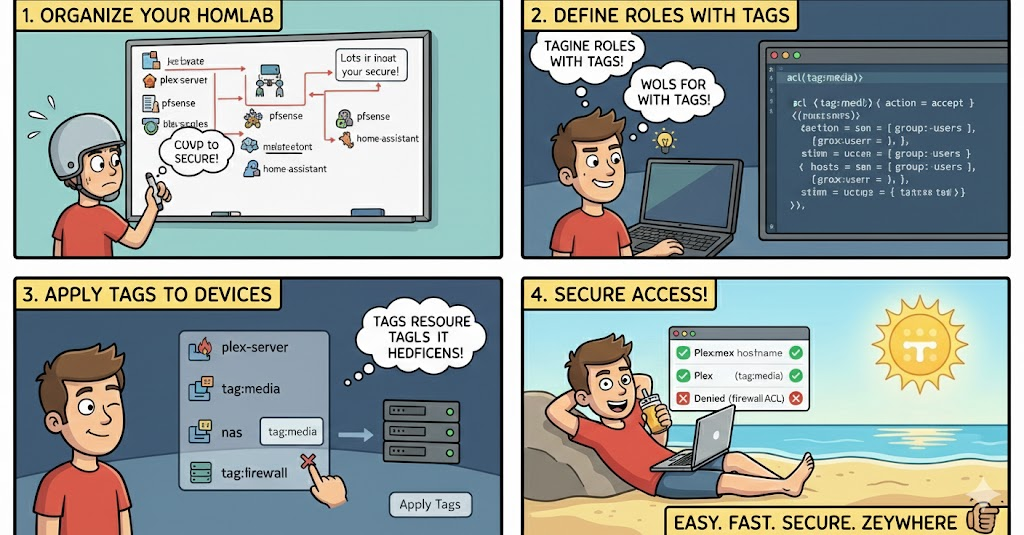
Tailscale's default behavior allows all devices on your Tailnet to communicate freely. For homelabs with multiple users or sensitive workloads, you'll want to tighten this with ACLs (Access Control Lists).
ACLs are defined in JSON or YAML in the Tailscale admin console. You can create user groups, tag devices by function, and write rules controlling who can access what. For example, you might allow your personal devices full access to everything while restricting a friend's device to only your Plex server:
{
  "acls": [
    {"action": "accept", "src": ["group:admins"], "dst": ["*:*"]},
    {"action": "accept", "src": ["group:media-users"], "dst": ["tag:mediaserver:32400"]}
  ]
}
Tags are powerful for homelab use. Tag your connectors as tag:connector, your media servers as tag:mediaserver, and write rules around these logical groupings rather than individual IPs.
Device Posture Checks
Tailscale's Device Posture feature adds another security layer by enforcing requirements on devices before granting access. You can require that devices have disk encryption enabled, screen locks configured, or are running a minimum OS version.
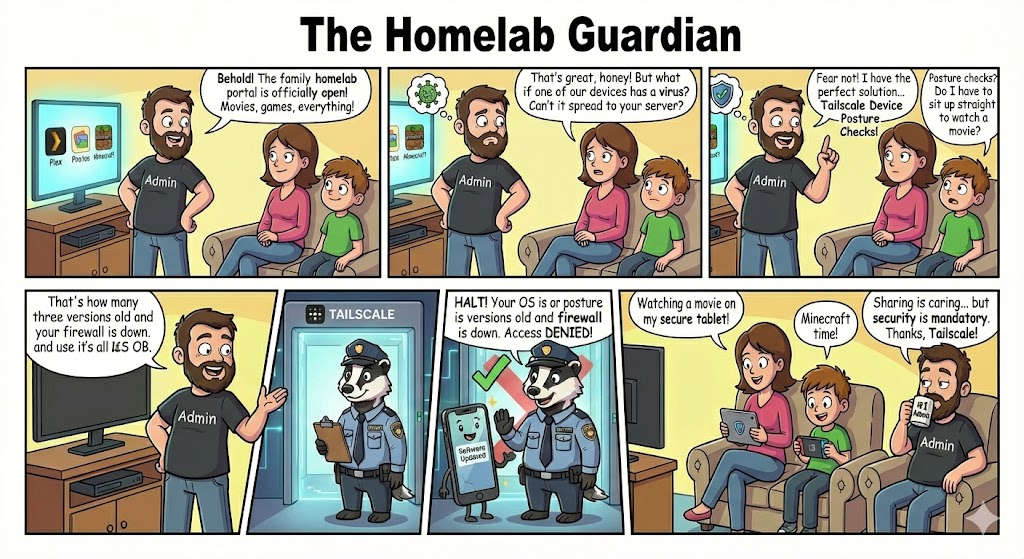
For homelabs, this is useful if you share access with family or friends. You can ensure their devices meet basic security standards before they can reach your network. Posture checks integrate with your ACLs, so you might allow full access only from devices that pass all checks while restricting non-compliant devices to less sensitive resources.
The Control Plane: Tailscale vs Self-Hosted Alternatives
One consideration with Tailscale is that while your traffic flows directly between devices (peer-to-peer via WireGuard), the control plane is managed by Tailscale's servers. They handle coordination, key exchange, and ACL distribution. For most homelabbers, this is fine—Tailscale can't see your traffic, only the metadata needed to establish connections.
However, if you want full control over everything, self-hosted alternatives exist.
Headscale is an open-source implementation of the Tailscale control server. You run it yourself and point Tailscale clients at your server instead of Tailscale's. You get the same client experience with full control over the coordination layer, though you lose some Tailscale-specific features and take on the maintenance burden.
NetBird is a more complete self-hosted alternative with its own client and control plane. It offers similar functionality to Tailscale - WireGuard-based mesh networking, NAT traversal, and access controls—but everything runs on your infrastructure. NetBird includes a web UI for management and supports SSO integration. The trade-off is a smaller community and less polish than Tailscale.
For most homelab users, Tailscale's free tier is generous enough and the convenience is hard to beat.
Conclusion
Tailscale connectors give you the best of both worlds: secure remote access to your homelab without exposing any ports to the internet. Whether you deploy via LXC containers on Proxmox, Docker, or directly on pfSense, the setup is straightforward and the result is reliable mesh connectivity from anywhere.
Layer on ACLs and Device Posture checks as your needs grow, and rest easy knowing self-hosted alternatives exist if you ever want to go fully control. Your firewall stays locked down, your attack surface stays minimal, and your homelab stays accessible, exactly as it should be.
Make sure to understand and read more about Tailscale on their official doc page https://tailscale.com/kb
Tailscale's official youtube channel is also a great resource for visual learners to learn about the technology https://www.youtube.com/@Tailscale