Proxmox Backup Server: Backing Up Your Proxmox VE Cluster the Right Way
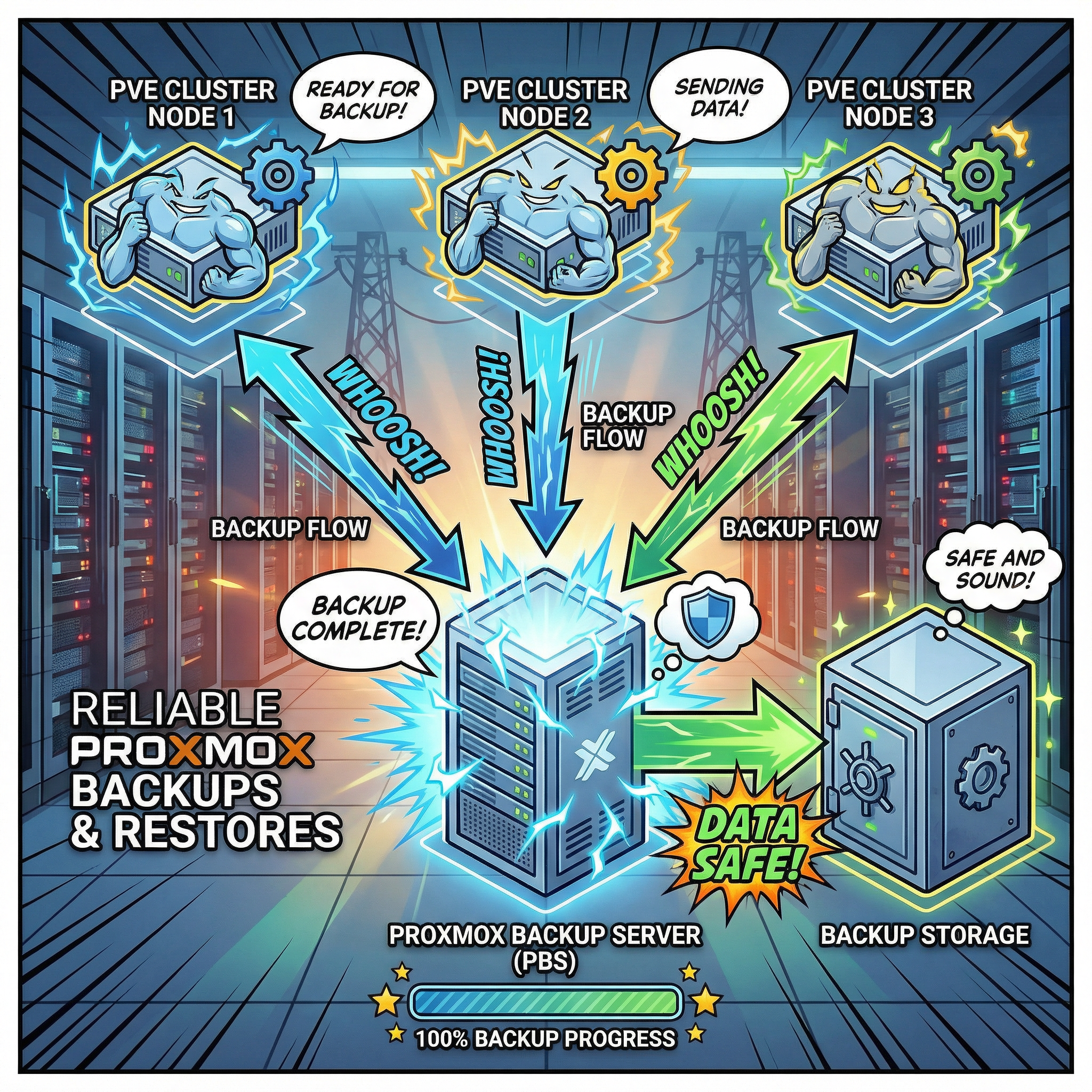
If you're running multiple Proxmox VE nodes and want incremental, deduplicated, encrypted backups with genuine disaster recovery, you need Proxmox Backup Server (PBS). In this post I'll walk through a dual-PBS architecture where PVE nodes can write to either PBS instance, pull sync keeps both in lockstep, and TrueNAS Cloud Sync pushes encrypted copies offsite. Just as importantly, I'll cover why a restore strategy and proper documentation matter more than the backups themselves.
Why PBS?
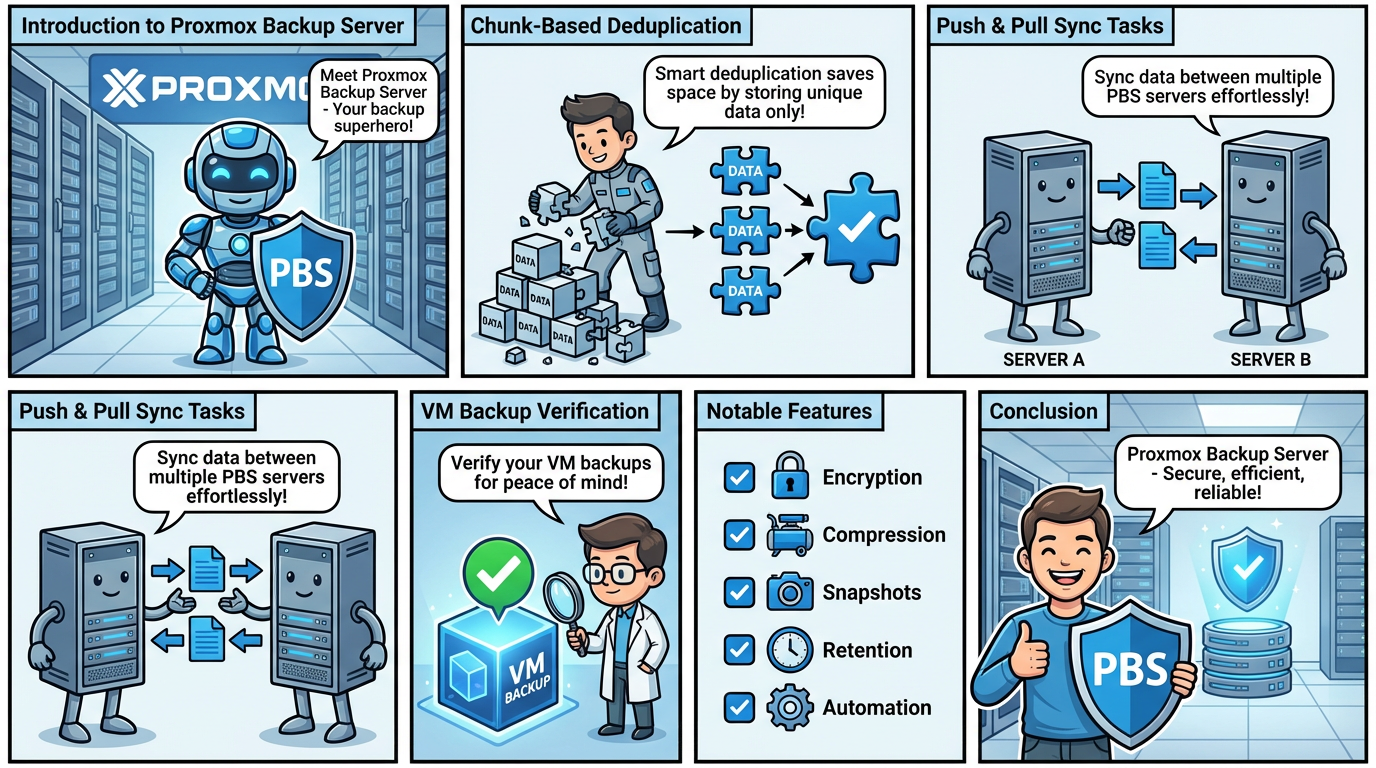
PBS uses chunk-based deduplication. Every backup is broken into variable-length chunks, hashed, and only new or changed chunks are stored. A second backup of a 100 GB VM might consume just a few hundred megabytes of additional space. Over weeks of retention, the savings compared to vzdump's monolithic archives are enormous.
You also get client-side AES-256-GCM encryption where the key never leaves your PVE host, background verification jobs, granular file-level restore without spinning up the entire VM, and flexible daily/weekly/monthly/yearly retention policies.
PVE Integration
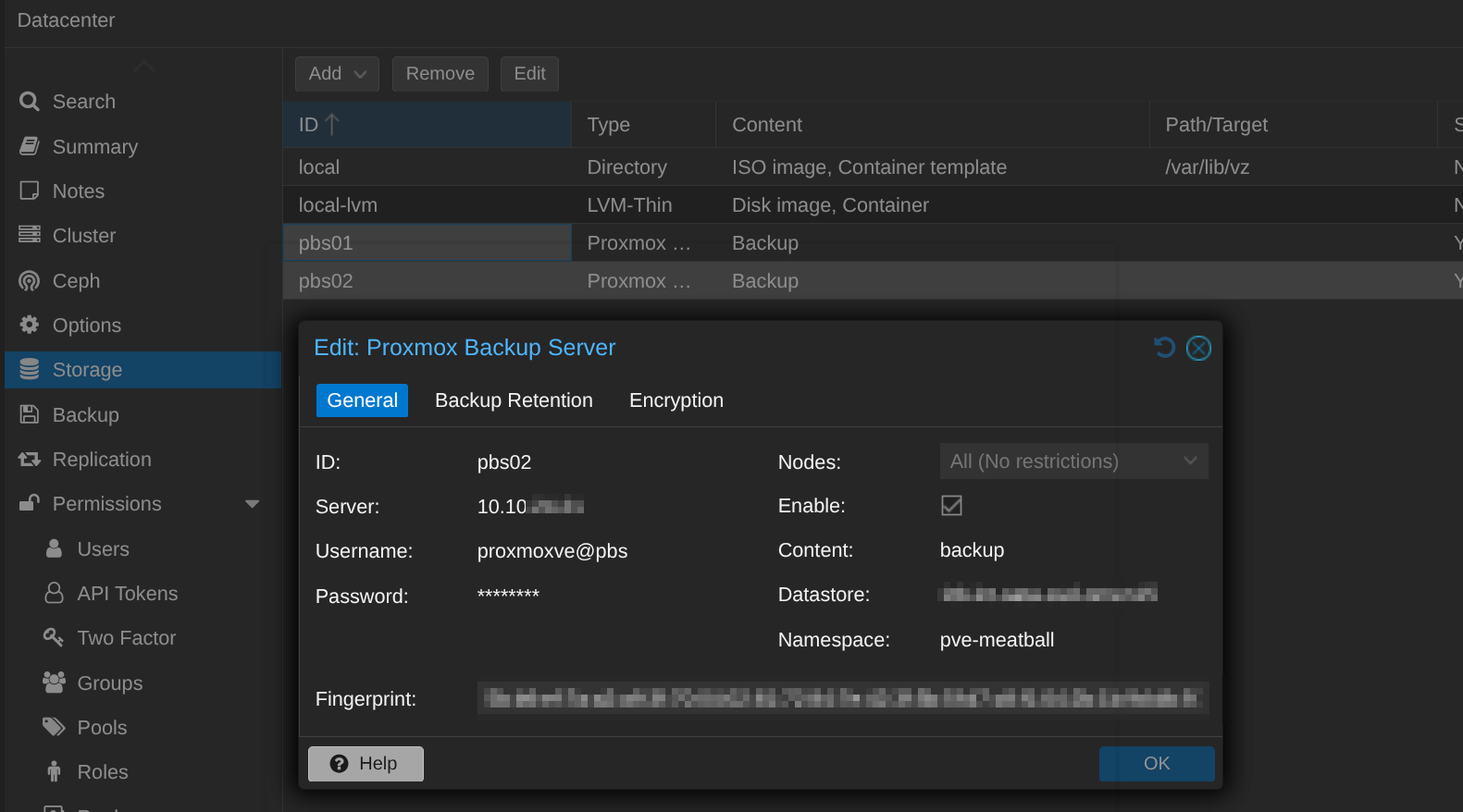
In the PVE web UI, add PBS under Datacenter → Storage → Add → Proxmox Backup Server. Once configured, proxmox-backup-client streams deduplicated chunks directly to PBS. This is faster and far more storage-efficient than vzdump-to-NFS. Restores are equally integrated: browse snapshots, restore to the original or a new VM ID, and optionally live-restore where the VM boots while data continues streaming in the background.
The Architecture: Multi-PVE, Dual-PBS, Cloud Offsite
┌──────────┐  ┌──────────┐  ┌──────────┐
│  PVE-01  │  │  PVE-02  │  │  PVE-03  │
└────┬─┬───┘  └────┬─┬───┘  └────┬─┬───┘
     │ │           │ │            │ │
     │ └───────────┼─┼────────────┼─┼──────────┐
     │             │ │            │ │           │
     └─────────┬───┘ └──────┬────┘ │           │
               ▼             │     │           ▼
     ┌────────────────┐      │     │  ┌─────────────────────┐
     │     PBS-01     │      └─────┘  │       PBS-02        │
     │ NVMe + SSD     │──pull sync──► │ TrueNAS NFS (HDDs)  │
     └────────────────┘               └──────────┬──────────┘
                                                  │
                                          ┌───────▼───────┐
                                          │   TrueNAS     │
                                          │  Cloud Sync   │
                                          └───────┬───────┘
                                                  │ encrypted
                                          ┌───────▼──────────┐
                                          │  OneDrive / S3   │
                                          │  (offsite cloud) │
                                          └──────────────────┘
PBS-01 runs RAID-Z (Mirror in my case) on local NVMe and SATA SSD storage. The reason for SSD-class drives on the primary is practical: day-to-day backup and restore operations need to be fast. When you're restoring a critical VM at 2 AM or running daily backups across multiple PVE nodes, the low latency and high IOPS of SSDs make a real difference. Garbage collection and verification also complete significantly faster, keeping maintenance windows short.
PBS-02 mounts TrueNAS NFS shares as its datastore. The underlying TrueNAS pool is RAID-Z on HDDs, providing large capacity at low cost with the redundancy and checksumming ZFS is known for.
Both PBS instances are configured as storage targets in PVE. Every PVE node can write backups directly to PBS-01 and PBS-02. This means that even if PBS-01 is temporarily unavailable, your backup jobs can still land on PBS-02. In parallel, PBS-02 runs a pull sync from PBS-01 to pick up any snapshots it didn't receive directly, keeping both datastores aligned.
The result: four copies of your data (PVE live, PBS-01, PBS-02/TrueNAS, cloud), three media types (ZFS on SSD, ZFS on HDD, cloud object storage), and two physically separate locations. Both PBS tiers benefit from ZFS's checksumming and self-healing, while PBS adds its own chunk-level deduplication and verification on top. This goes well beyond 3-2-1.
PVE Backup Configuration
If your PVE nodes are clustered, storage config is shared via /etc/pve/storage.cfg, so you configure both PBS-01 and PBS-02 once and every node sees them. Create backup jobs at the datacenter level. PVE runs each VM's backup from the node that currently hosts it.
For most setups, primary backup jobs should target PBS-01 (the faster instance) while a secondary schedule can target PBS-02 directly for critical VMs you want redundantly backed up without depending on sync. Use encryption for both targets. Generate a key once, and it distributes automatically across cluster nodes via pmxcfs at /etc/pve/priv/pbs/<storage-name>.enc.
Pull Sync: PBS-01 → PBS-02
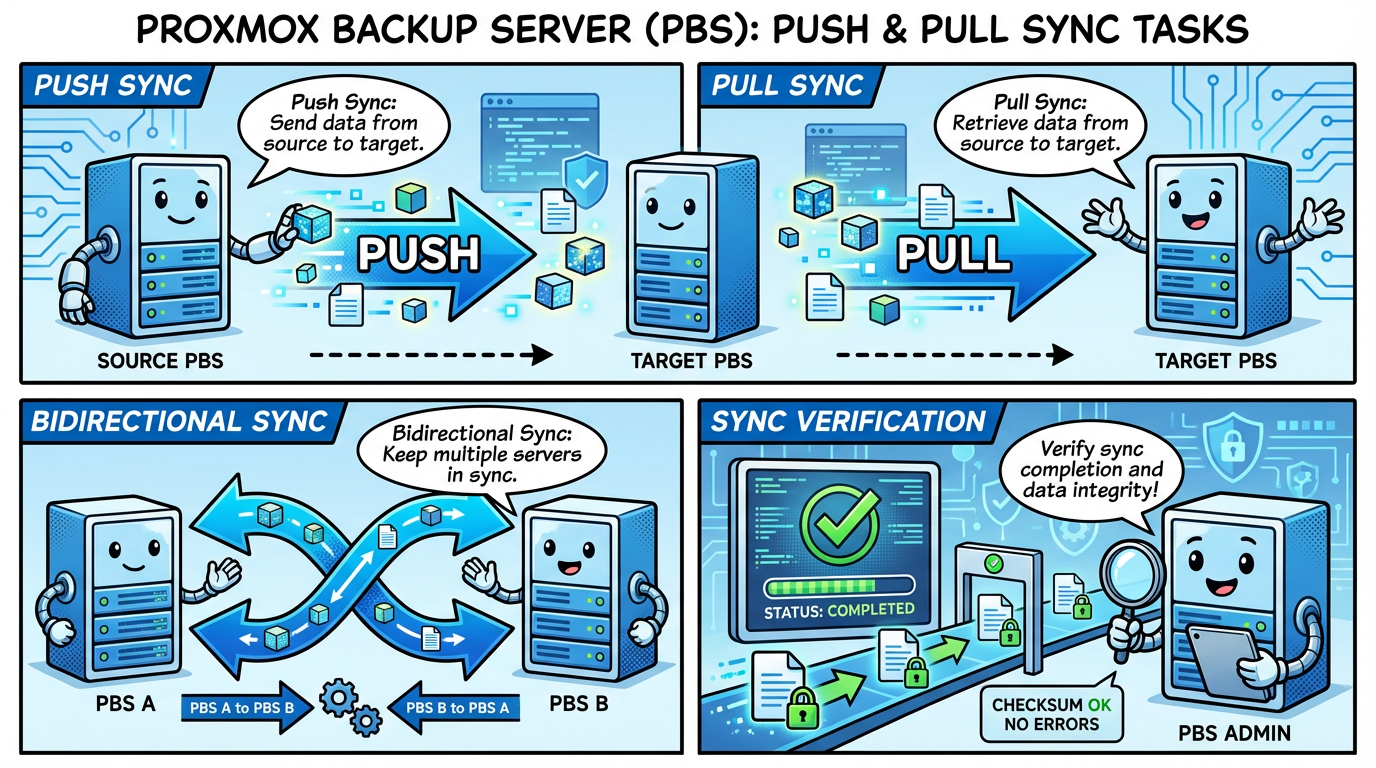
Even though PVE nodes can write to both PBS instances, pull sync remains valuable. It ensures PBS-02 has a complete copy of everything on PBS-01, including any snapshots that only landed on the primary. On PBS-02, add PBS-01 as a Remote (Configuration → Remotes) with an API token that only needs DatastoreReader access, then create a Sync Job on the target datastore. Only missing chunks transfer, so sync is deduplicated and incremental.
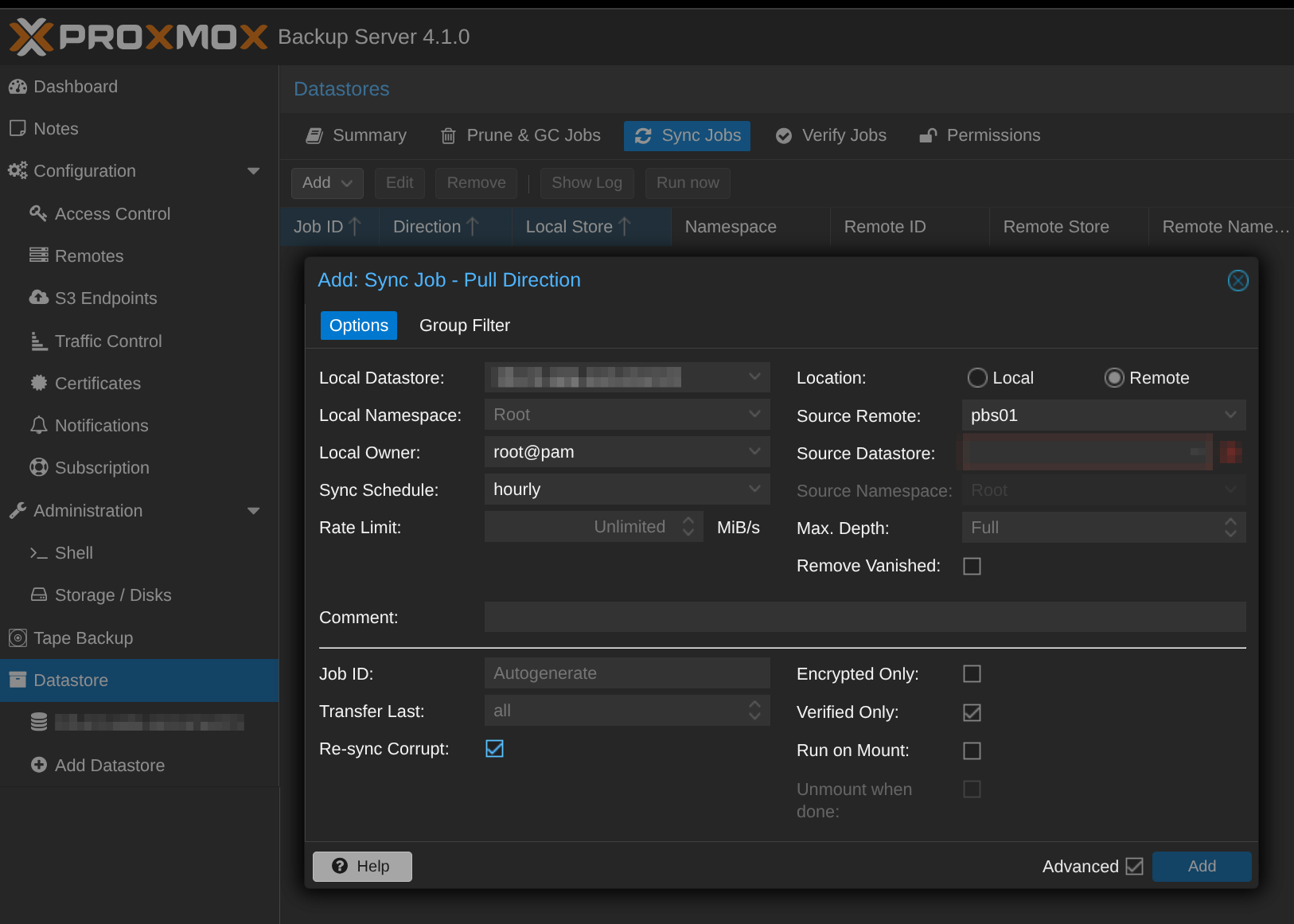
Pull is preferred over push for security (least privilege) and simplicity (PBS-02 controls the schedule). Push sync is available when network topology demands it, for example if PBS-02 is behind NAT.
Retention strategy: PBS-01 keeps 7 daily, 4 weekly, 3 monthly. PBS-02 keeps 7 daily, 4 weekly, 6 monthly, 1 yearly, giving you deeper history on the cheaper, higher-capacity storage.
Cloud Replication via TrueNAS
Because PBS-02's datastore lives on a TrueNAS dataset, you can use TrueNAS's built-in Cloud Sync (rclone under the hood) to push encrypted copies offsite.
For OneDrive: add a Microsoft OneDrive cloud credential via OAuth in TrueNAS, create a Cloud Sync task pointing at the PBS dataset, and enable rclone crypt encryption. For S3 (AWS, Backblaze B2, Wasabi, MinIO): add an S3 credential and target a bucket. S3 offers lifecycle policies for tiering older data to cold storage, and per-GB pricing is often more predictable.
Schedule cloud sync after PBS-02's pull completes. If pull runs at 02:00, schedule cloud sync for 04:00. Enable encryption so your cloud provider never sees unencrypted data. Store the rclone crypt password separately from your infrastructure. Without it, the cloud copy is unrecoverable.
TrueNAS NFS: The Caveats
PBS on TrueNAS NFS is not officially supported by Proxmox. It works well in practice, but garbage collection is significantly slower over NFS due to random I/O patterns. Even with ZFS's ARC cache on the TrueNAS side, HDDs can't match PBS-01's SSDs for random reads. NFS locking can also produce stale locks, and Proxmox support won't help troubleshoot it. Mitigate with a dedicated VLAN or direct link, 10GbE where available, and GC scheduled during quiet hours. For PBS-02 this is an acceptable trade-off. It's primarily receiving synced data and serving as a recovery target, not handling the bulk of the daily backup workload. The RAID-Z underneath gives you redundancy and self-healing checksums where it matters most: on the long-term copy.
Restore Strategy: The Part Everyone Skips
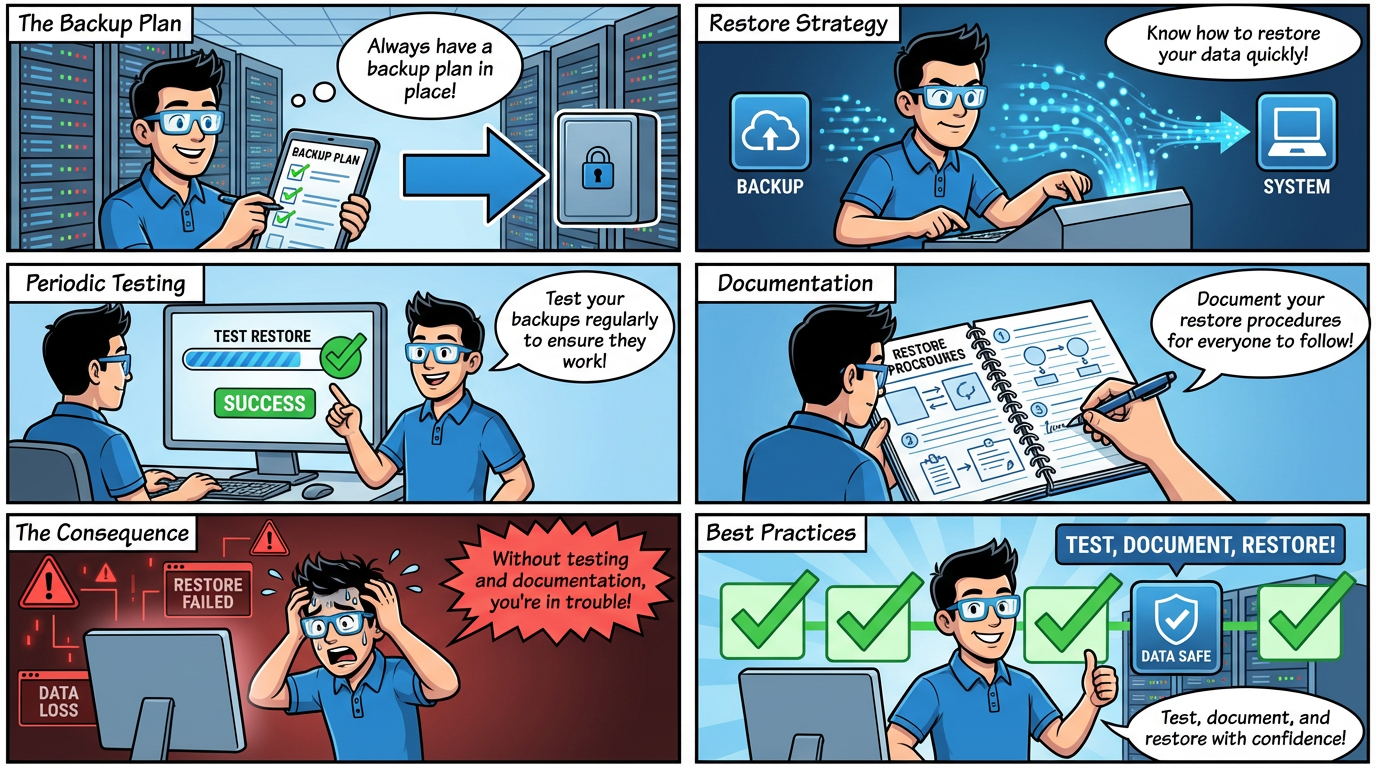
Having backups is only half the equation. If you've never tested a restore, you don't have backups. You have hope. A solid restore strategy answers three questions: are my backups good, what do I restore first, and does everyone know the plan?
Verifying Backups with PBS
PBS has a built-in Verification feature that reads back every chunk in a backup snapshot and validates its checksum. This catches "bit rotting", silent disk corruption, and storage degradation before you discover it during a crisis.
Configure verification jobs on both PBS-01 and PBS-02 under Datastore → Verify Jobs. Run verification nightly on PBS-01 (where it's fast on ZFS SSDs) and weekly on PBS-02 (where it's slower on TrueNAS's ZFS HDD pool over NFS). Set the "Reverify After" option to skip re-checking snapshots that were recently verified. This keeps verification times manageable as your datastore grows. Monitor verification status in the PBS dashboard and set up email notifications for failures. A failed verification is an early warning that something is wrong with your storage, and you should act on it immediately.
Verification confirms data integrity, but it doesn't confirm restorability. For that, you need to actually restore.
Test Restores: Schedule Them
At minimum, do a quarterly test restore of a representative VM. Restore it to a temporary ID on your PVE cluster, boot it, and confirm it works. Document the time it took, any issues you hit, and whether the VM came up cleanly. This validates the full pipeline: PBS, the network path, PVE's restore logic, and the VM's own boot process.
For critical VMs, consider monthly test restores. If you're running infrastructure services like Active Directory, DNS, or databases, verifying that those services start correctly post-restore is worth the extra effort. Don't just confirm the VM boots. Confirm the services work.
Ransomware Scenario: What to Restore and in What Order
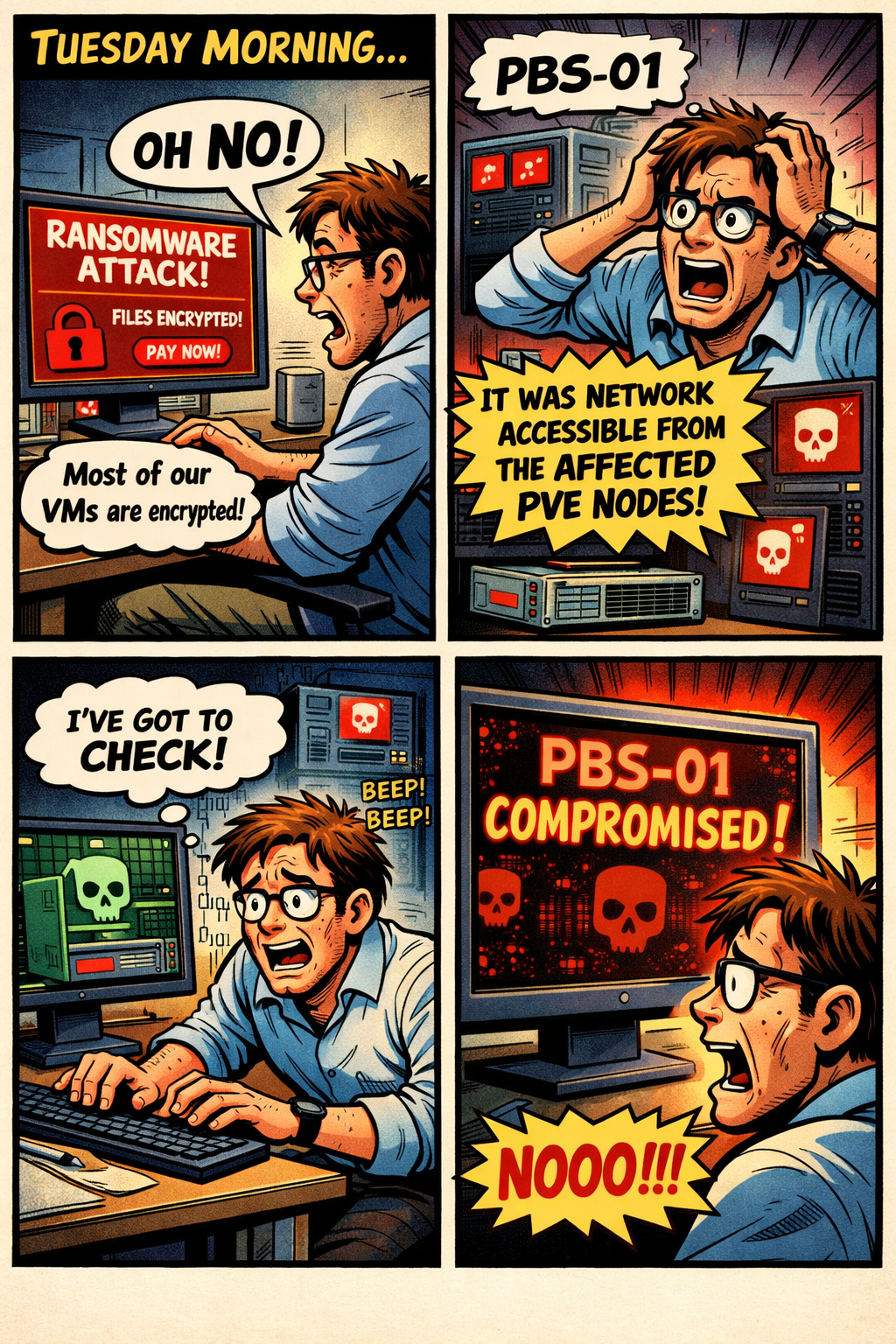
Let's walk through a hypothetical. It's Tuesday morning. You discover ransomware has encrypted most of your VMs. PBS-01 is potentially compromised because it was network-accessible from the affected PVE nodes. What do you do?
Step 1: Isolate and assess. Disconnect affected PVE nodes from the network immediately. Do not power off VMs yet, as some ransomware variants have time-delayed payloads that activate on reboot. Assess which PBS instances are intact. If PBS-01 was reachable from compromised hosts, its datastore could be damaged depending on the attack vector, though PBS's own authentication and chunk-based storage make it harder to tamper with than a simple file share. PBS-02, sitting behind TrueNAS NFS with its own authentication boundary, is more likely to be clean, especially since pull sync means PBS-01 never had write access to PBS-02.
Step 2: Validate your restore source. Run verification on your most recent PBS-02 snapshots to confirm integrity. If PBS-02 is clean, use it as your restore source. If both PBS instances are suspect, your encrypted cloud copy is your last line of defense. Restore the TrueNAS dataset from OneDrive or S3, decrypt it, and make it available to a fresh PBS instance.
Step 3: Restore in priority order. Not all VMs are equal. Restore in this sequence:
- Core infrastructure. DNS, DHCP, Active Directory, and identity services. Nothing else works without these. If your network depends on a pfSense or OPNsense VM, this goes first.
- Backup and management infrastructure. Your PBS instance itself (if it was a VM), monitoring, and any automation that other restores depend on.
- Critical applications. Databases, file servers, and line-of-business applications that the organization or household depends on daily.
- Supporting services. Reverse proxies, logging, CI/CD, and development environments.
- Everything else. Media servers, test VMs, and lab environments.
Restore to a clean, isolated network segment first. Verify each VM is free of the ransomware payload before reconnecting it to production. For Windows VMs, boot into safe mode or scan with offline tools before joining the domain.
Step 4: Post-incident. Identify how the ransomware got in. Patch the vulnerability. Review your PBS access controls. Consider tightening API token permissions, network segmentation between PVE and PBS, and whether PBS-01 should sit on a management VLAN that production VMs can't reach.
Documentation: Write It Down Before You Need It
None of the above matters if the knowledge lives only in your head. Document the following and store it somewhere accessible outside your infrastructure, whether that's a printed binder, a USB drive in a safe, a password manager, or a secondary cloud account:
Network diagram and IP addresses of all PVE nodes, PBS instances, and TrueNAS. PBS credentials and API tokens for both PBS-01 and PBS-02. Encryption keys, both the PBS backup encryption key and the rclone crypt password for cloud sync. Without these, your backups are useless. Restore priority list showing which VMs to restore first, in what order, and any special steps like restoring AD before domain-joined VMs. Step-by-step restore procedure, because you should not assume you'll remember the exact PVE UI clicks or CLI commands under stress. Contact information, including who has access to what and who to call if you're in a team environment. Cloud sync recovery steps covering how to pull data back from OneDrive or S3, decrypt it, and stand up a new PBS instance from scratch.
Review and update this documentation every time you change your infrastructure. A restore runbook that references a PBS instance you decommissioned six months ago is worse than no runbook at all. It wastes time and creates confusion when you're already under pressure.
Wrapping Up
PBS transforms Proxmox VE's backup story into something you can genuinely rely on. A dual-PBS setup, storage servers running RAID-Z, with PBS-01 having NVMe and SATA SSDs for fast daily operations and PBS-02 connected to TrueNAS's ZFS HDD pool for deep capacity, plus Cloud Sync for encrypted offsite protection, gives you layered redundancy at every tier. Having PVE nodes write to both PBS instances adds resilience, while pull sync keeps everything aligned.
But the architecture is only as strong as your ability to restore from it under pressure. Verify your backups. Test your restores. Document everything. Build the muscle memory before you need it.
A backup you've never restored from is just a hypothesis. Don't let a crisis be your first test.