Identity Hardening - Part 2 - IAM with Authentik
In Part 1, I focused on hardening authentication at the operating system level using Cisco Duo and YubiKeys protecting Windows logins, Linux shells, and macOS access. That solved who can log into the box.
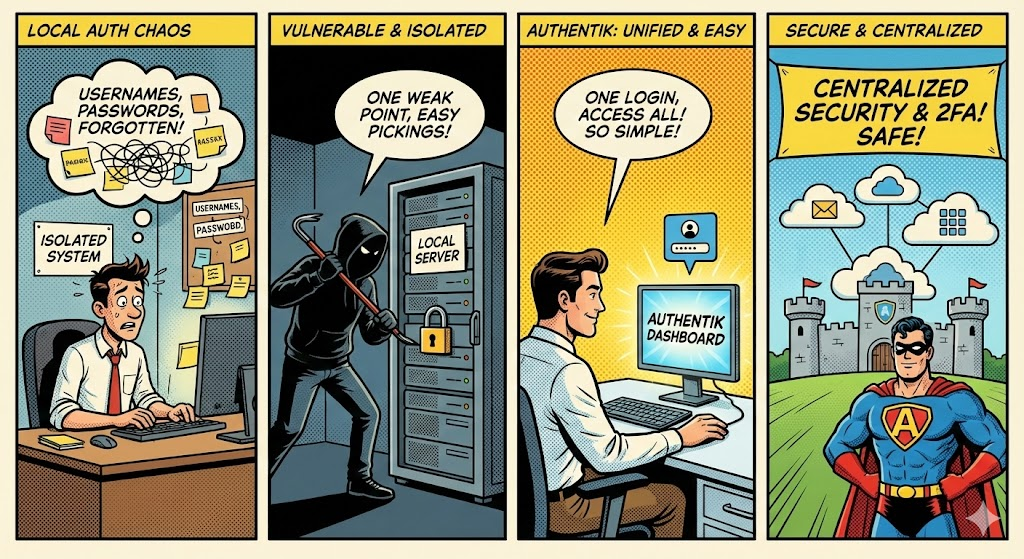
But once you start running real services in a homelab: dashboards, admin panels, internal tools, monitoring, Git, media servers, you quickly hit a different problem:
Every service has its own users, passwords, and authentication model.
That’s where IAM (Identity and Access Management) enters the picture.
This post is about how I use Authentik as a central identity provider to:
- Eliminate local users across apps
- Use OIDC for modern, clean SSO
- Layer cleanly on top of existing MFA (Duo, YubiKeys)
- Improve security and usability at the same time
The Problem with Local Authentication Everywhere
Most homelabs start like this:
- Local users per application
- Reused passwords
- No central visibility
- No easy way to enforce MFA consistently
- Offboarding = manual cleanup everywhere
Examples:
- Grafana users
- Portainer users
- Proxmox users
- Media server (e.g.: Immich, Jellyfin, Photoprism) users
- Internal dashboards with basic authentication
Local authentication does not scale, even in a homelab.
Security issues aside, it’s operationally annoying and exhausting to type in different passwords, for sure you can use a password manager like Bitwarden which I also do recommend for root and full admin credentials for all your services, but having SSO is overall a nice security upgrade a good quality of life.
What Authentik Actually Is (Plain English)
Authentik is a self-hosted identity provider (IdP).
Think of it as:
- “Google Login” or “Sign in with Microsoft”
- But you own it
- And it runs inside your homelab
Authentik becomes:
- The source of truth for identity
- The place where MFA, policies, and access rules live
- The gateway between users and applications
Applications stop caring who you are, they just go to Authentik instead to validate you.
Local Authentication vs Central IAM
Local Authentication
- App stores passwords
- App handles MFA (if any)
- App manages users
- App logs authentication events
Problems:
- Inconsistent security
- More attack surface
- Hard to keep track of who logged and where / audit trail
- Hard to disable access globally
Central IAM (Authentik)
- Apps redirect authentication elsewhere
- No passwords stored in the app
- MFA enforced centrally
- One place to audit, log, and control access
Once you go central IAM, it’s very hard to go back.
Why OIDC Is the Sweet Spot for Homelabs
What Is OIDC?
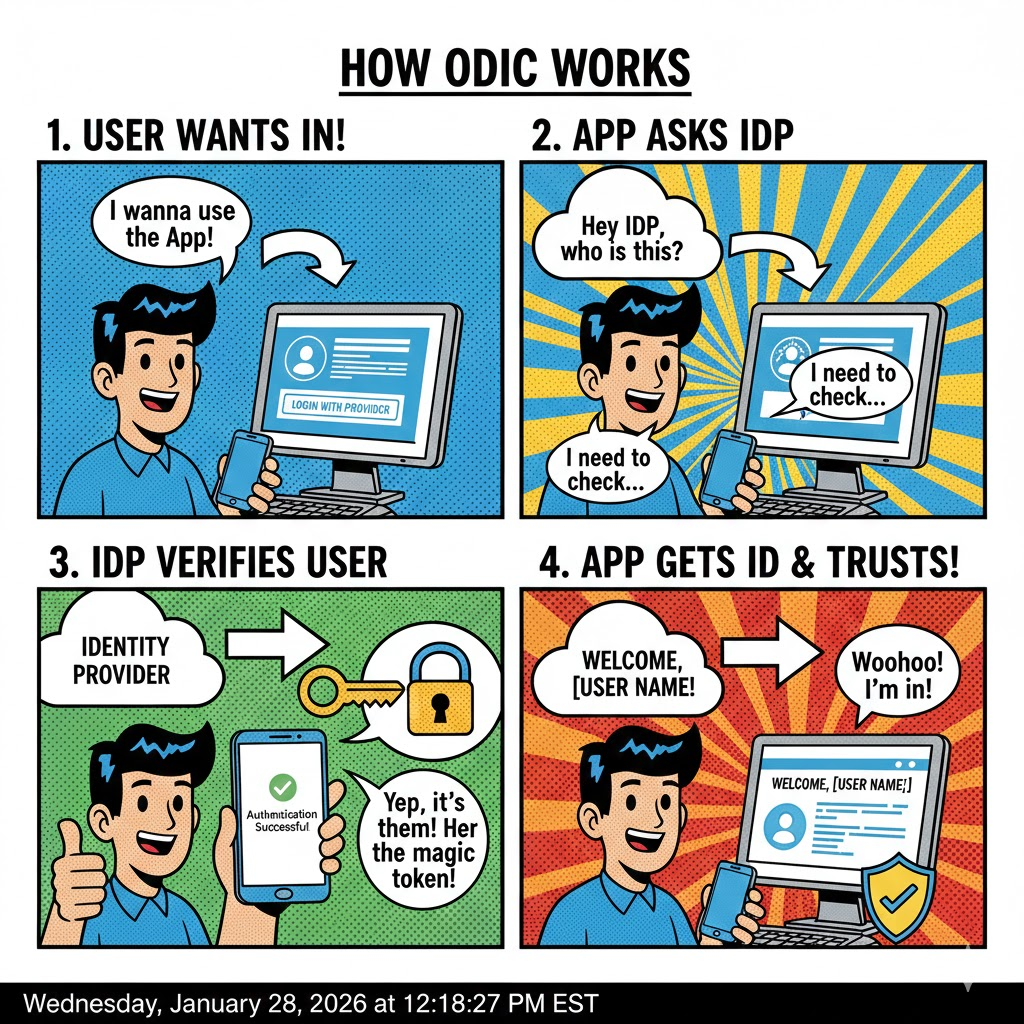
OIDC (OpenID Connect) is a modern identity layer built on OAuth 2.0.
In practical terms:
- User hits an app
- App redirects to Authentik
- Authentik authenticates the user
- App receives a signed token with identity claims
- No password ever touches the app
OIDC is:
- Stateless
- API-friendly
- Cloud-native
- Easy to debug
- Widely supported
OIDC vs Local Auth vs SAML
Local Authentication
✅ Simple
❌ Poor security
❌ No SSO
❌ Hard MFA enforcement
SAML
✅ Enterprise-grade
✅ Widely supported in legacy apps
❌ XML-heavy
❌ Painful to debug
❌ Overkill for most homelabs
OIDC
✅ Clean JSON tokens
✅ Easy integration
✅ Excellent SSO experience
✅ Modern MFA support
✅ Perfect for self-hosted apps
My opinion from trial and error:
For home lab; If the app supports OIDC, use OIDC. Only fall back to local authentication when forced.
For enterprise usage; OIDC and SAML are both valid options. Local authentication should be restricted to "break-the-glass" accounts in DR situations.
Where Authentik Fits in the Stack
Here’s how my homelab authentication stack look like:
- OS access → Duo + YubiKey
- Application access → Authentik (OIDC) →which also leverage DUO Push +Yubikey as a backup/offline authentication.
- MFA enforcement → Centralized in Authentik
- Hardware-backed MFA → WebAuthn / YubiKey support
- SSO → One login, many services
Why Authentik Is Homelab-Friendly
Authentik hits a rare balance:
- Powerful IAM features
- Clean UI
- Docker-native deployment
- Excellent OIDC support
- Strong documentation
- Actively maintained
Compared to other platforms I tested like Keycloak, Authentik feels more mature and much better documented.
Example: Replacing Local Users with OIDC
Instead of:
- Creating users in Grafana
- Managing passwords
- Manually enabling MFA
You:
- Configure Grafana as an OIDC client
- Point it at Authentik
- Define access rules in Authentik
- Enforce MFA once, centrally
Now:
- User logs in once
- Access multiple services
- Disable user in Authentik → access revoked everywhere
That’s real IAM.
MFA, Phishing Resistance, and Authentik
Authentik supports:
- TOTP
- Push-style flows
- WebAuthn / hardware keys
- Passkeys (depending on client support)
This means:
- You can enforce phishing-resistant MFA which what we will do
When combined with YubiKeys, Authentik becomes a strong front door for your internal services.
Here is how authentication looks like for my Proxmox hosts
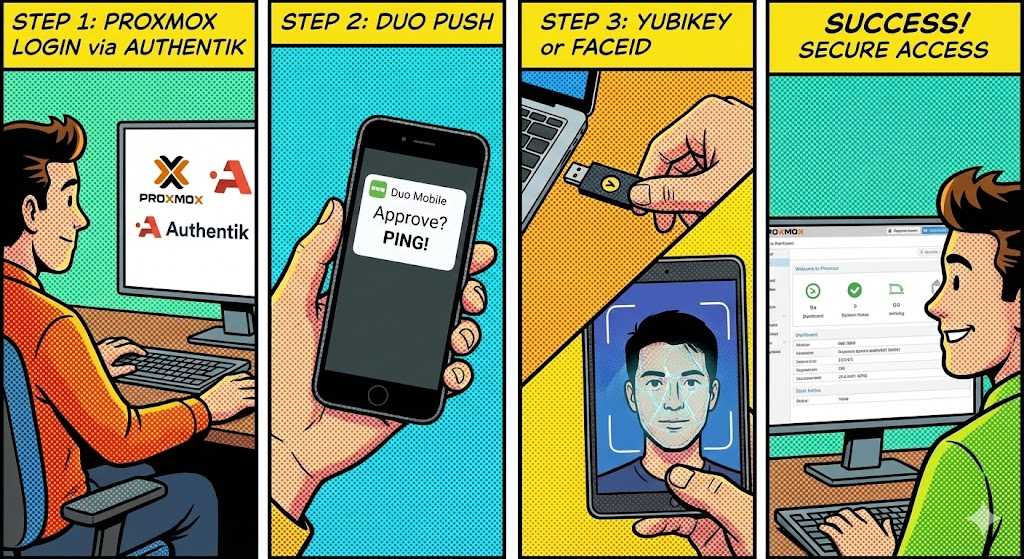
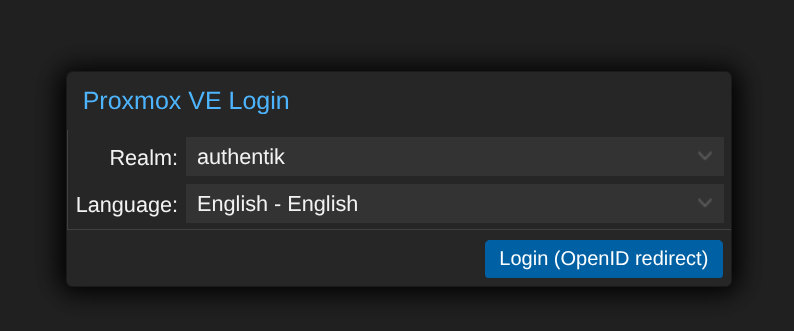
You get redirected to Authentik for SSO if you're not already authenticated, you can use passwordless authentication with a security key (YubiKey) or simply type username+password+Duo authentication flow.
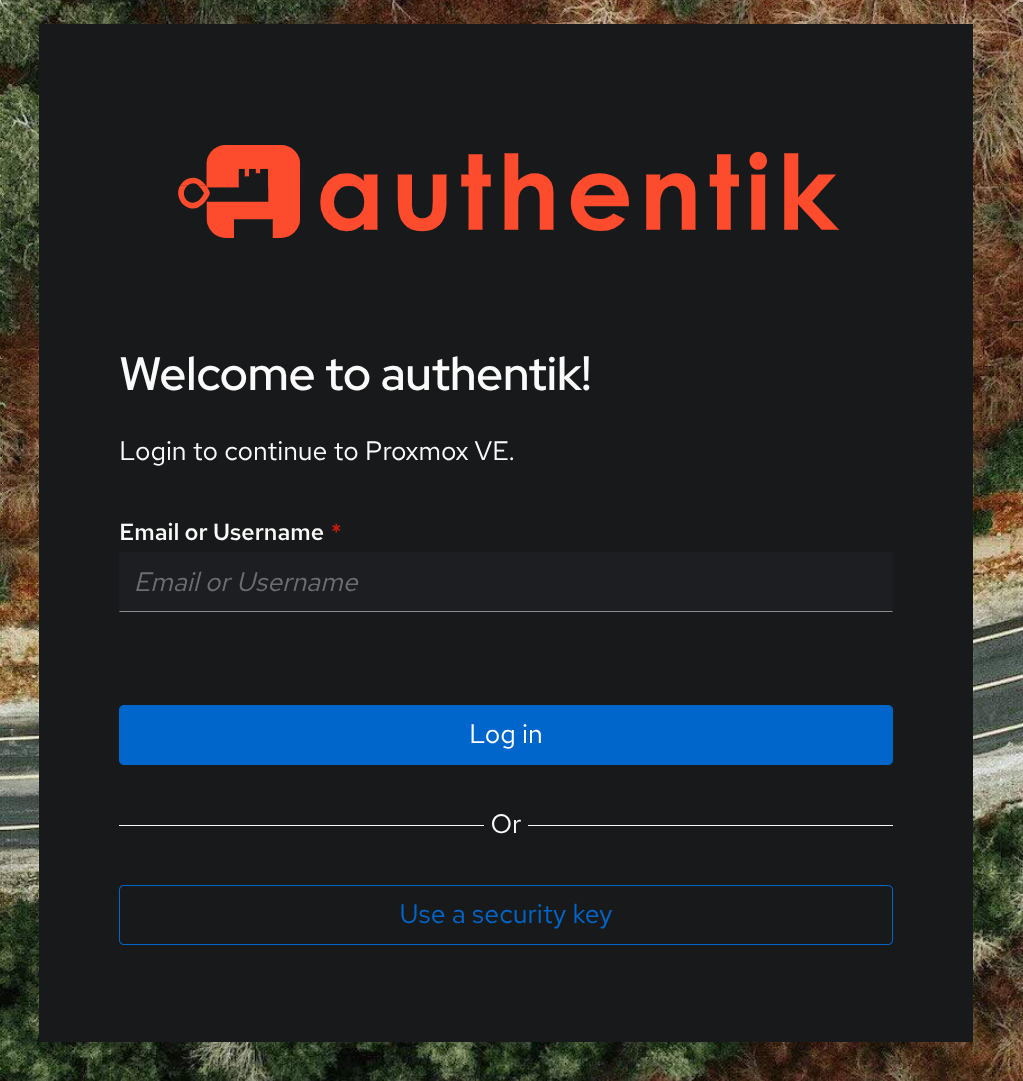
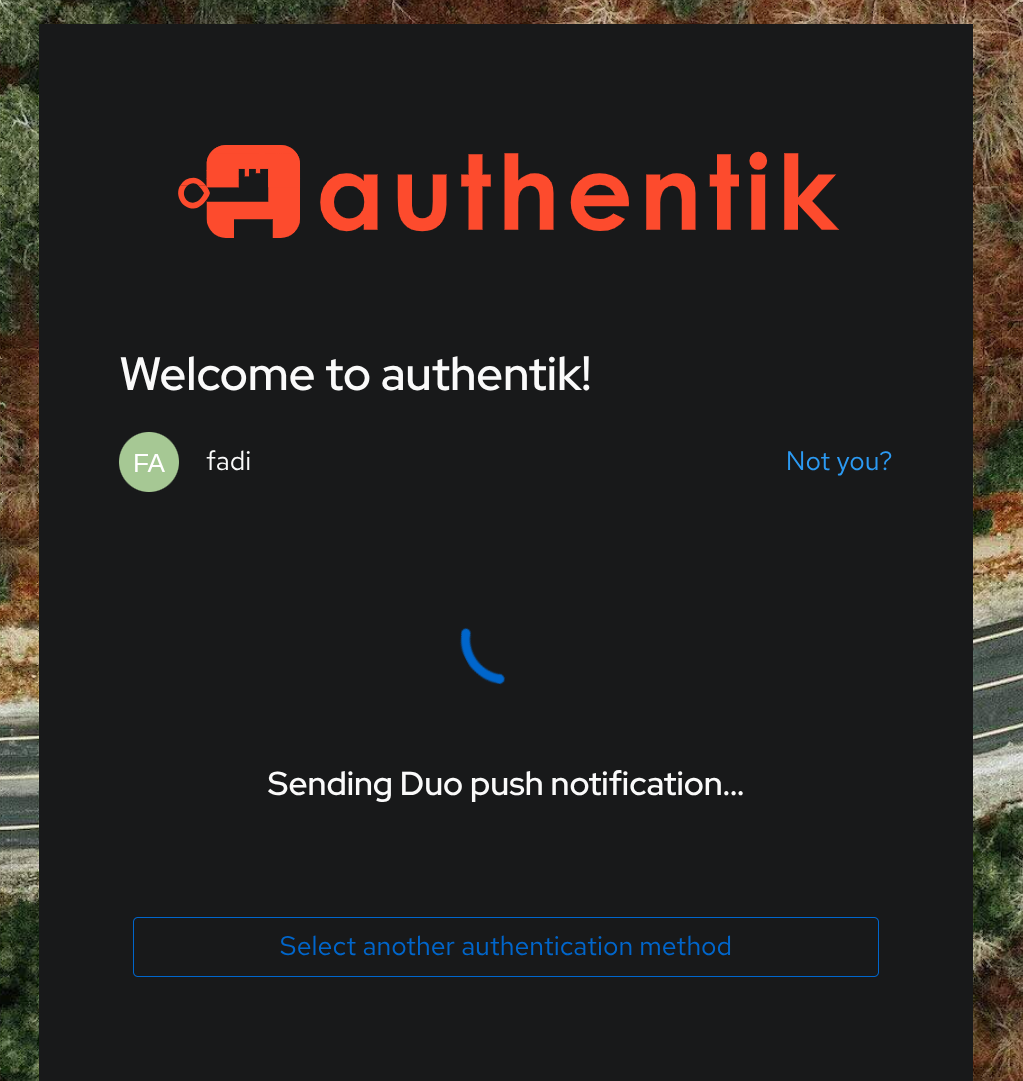
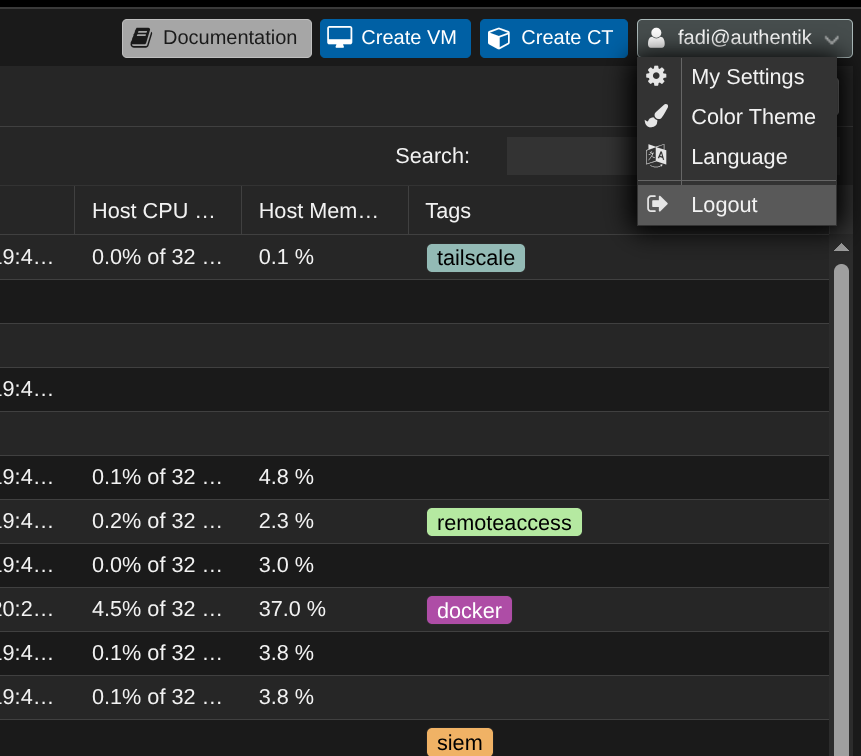
One notable security improvement when authenticating with Authentik to Proxmox, the Proxmox shell is still locked behind the root password even though this account has full admin access.
Why This Improves Both Security and Usability
Authentik IAM:
- Reduces passwords
- Reduces friction
- Reduces mistakes
- Improves auditability
- Improves user experience
With Authentik + OIDC:
- Fewer credentials
- Cleaner login flows
- Central MFA
- Easier onboarding/offboarding
Security and convenience improve together.
Final Thoughts
If Part 1 was about locking down the machines identity, Part 2 is about owning identity.
Using Authentik with OIDC:
- Moves your homelab away from brittle local auth
- Brings enterprise-grade IAM concepts home
- Sets you up for passkeys and phishing-resistant auth
- Scales cleanly as your lab grows
Once you centralize identity, everything else gets easier.
Please checkout https://docs.goauthentik.io/ documentation page. Stay tuned for a future article where I will be sharing my custom docker compose to deploy Authentik along side setting up authentication workflows with duo push and webauthn devices (iPhone FaceID, Fingerprints, YubiKeys).