Identity Hardening - Part 1 - Device Authentication
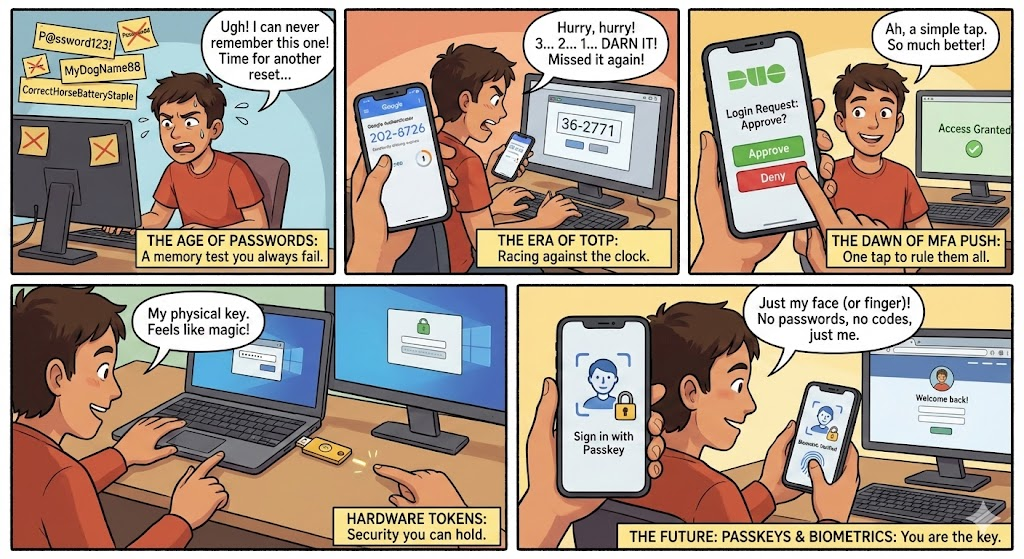
Authentication has come a long way, from simple passwords to phishing-resistant cryptographic keys. But for many of us homelabbers managing mixed environments (Windows, Linux, macOS), the real question: How can I practically improve security without enterprise budgets? Perhaps without even spending a dime.
In part 1 I’ll cover:
- The historical arc of authentication
- Common MFA methods and their security profiles
- Why Duo’s push + YubiKey setup is a practical upgrade, and my go to solution for the past few years.
- How to deploy this on Cisco Duo free license for all your devices taking advantage username aliasing
- Practical walkthroughs for Windows, Linux, macOS systems
Part 2 will cover advanced and custom authentication flows with Authentik for your homelab self-hosted services like immich, portainer, proxmox, etc. Stay Tuned!
If you’re running a homelab, small business / office network, or even just trying to lock down personal systems, this article is for you.
A Brief History: Credentials from Passwords to Passkeys
The Password Era
Passwords were fine when systems and attackers were simple. But as credential stuffing, phishing, and repurposed credentials became ubiquitous, passwords alone became deeply insecure.
OTPs and TOTP
Enter One Time Passwords (OTPs):
- SMS/Email OTPs — generated server side and sent via message.
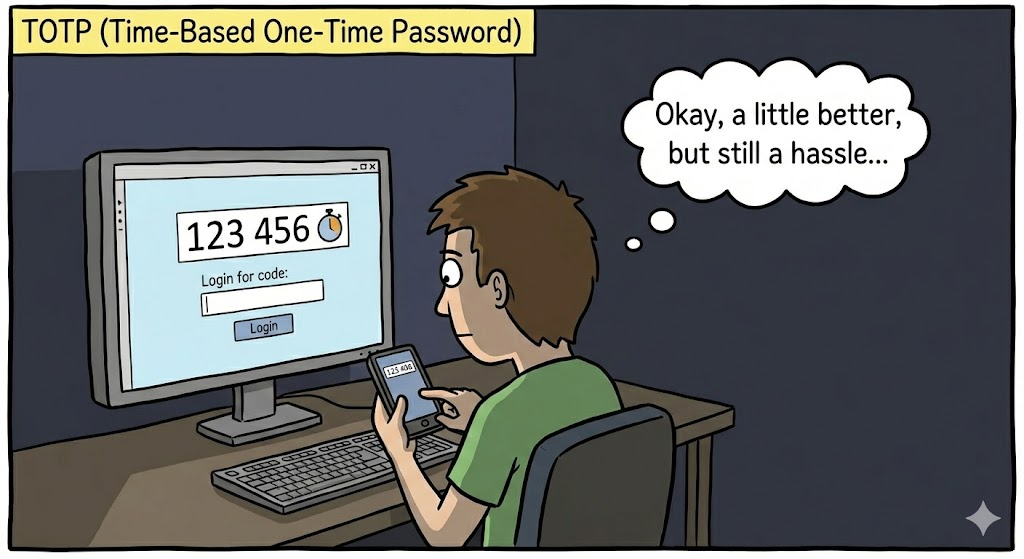
- TOTP (Time-based OTP) — time-synchronized codes generated by apps like Google Authenticator or Authy, based on RFC 6238 standards for rotating codes every 30–60 seconds
TOTP was a massive improvement over plain passwords, at least it required something you have.
But TOTP still relies on a shared secret that can be phished: attackers can set up look-alike sites that collect your password and code and immediately use them in real time (“real-time phishing”) .
Push Notifications
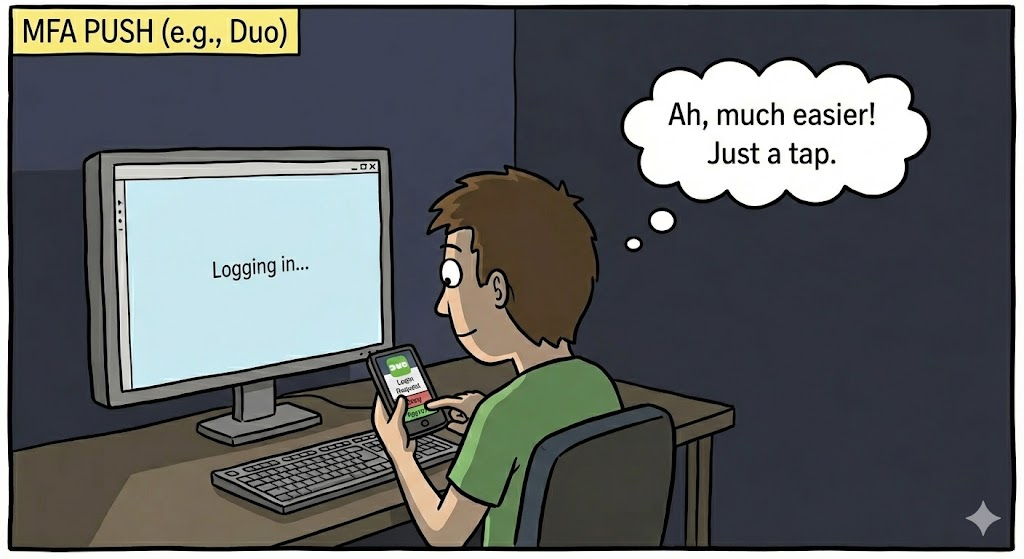
Push based MFA — where your phone pops up an “Approve/Deny” prompt — brought usability and speed. No more typing codes; just tap to authenticate.
However, research and field experience shows push MFA is not fully phishing-resistant: a malicious site or MFA bombing (where attackers send repeated push attempts to force acceptance) can still trick users into approving an illegitimate login unless number matching or similar mitigations are used .
Passkeys & FIDO2: The Modern Frontier
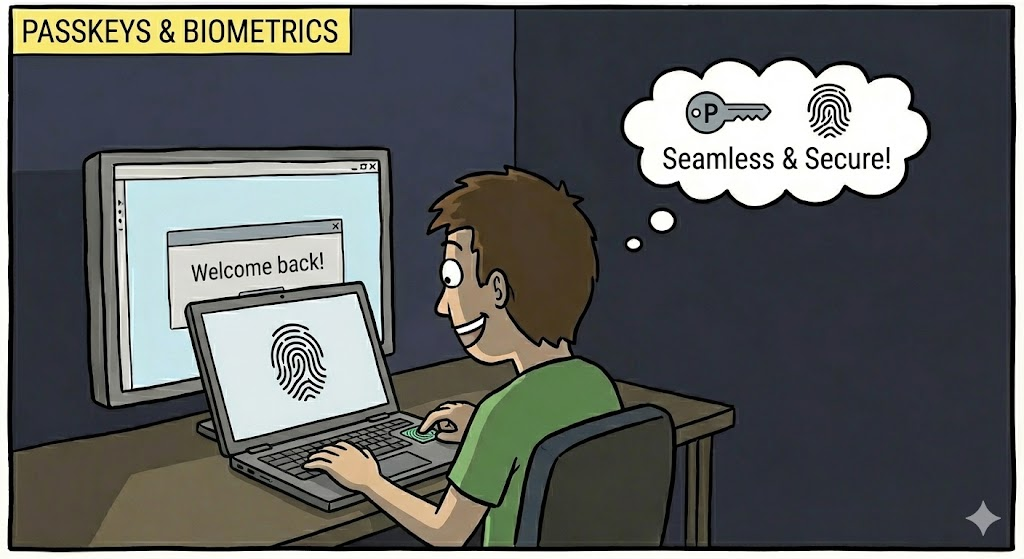
Passkeys and FIDO2/WebAuthn represent the latest in authentication evolution. Instead of shared secrets or codes, a public-key pair is tied to a specific application/domain, cryptographically bound, and stored securely on the device or a secure token:
- Passkeys are device-bound credentials that can eliminate passwords entirely, pairing with biometrics or PINs .
- They are phishing-resistant by design: an attacker’s fake site can’t trick your device into signing credentials for a domain it didn’t register with .
- Governments and standards bodies are pushing passkey adoption due to stronger security guarantees than legacy MFA approaches .
While passkeys are on the rise, most infrastructure still requires or benefits from multi-factor authentication, and that’s where Duo fits in beautifully.
How Different MFA Methods Stack Up (Security & Phishing Resistance)
Here’s how common factors compare based on recent industry analysis:
| Method | Phishing Resistance | UX | Recommended Use |
|---|---|---|---|
| TOTP (App codes) | Low (can be phished) | Medium | Basic 2FA |
| Push MFA (standard) | Medium (better UX) | High | Everyday MFA |
| Push with Number Matching | Medium-High | High | Stronger MFA |
| Passkeys / Security Keys (FIDO2) | Very High | Very High | High-security / passwordless |
Multiple studies and reviews show cryptographic hardware keys (like YubiKeys, passkeys) consistently provide the strongest resistance to phishing and account takeover for high-risk assets, outperforming both TOTP and push notification alone .
Note that while I always recommend friends and family to invest in buying YubiKeys, they are prone to getting lost so it is important that you obtain and enroll multiple keys as a backup, as you can imagine it can get a bit pricey when each Yubikey costs around $50-$60 USD. That being said, its a one-time purchase and a good investment in my opinion.
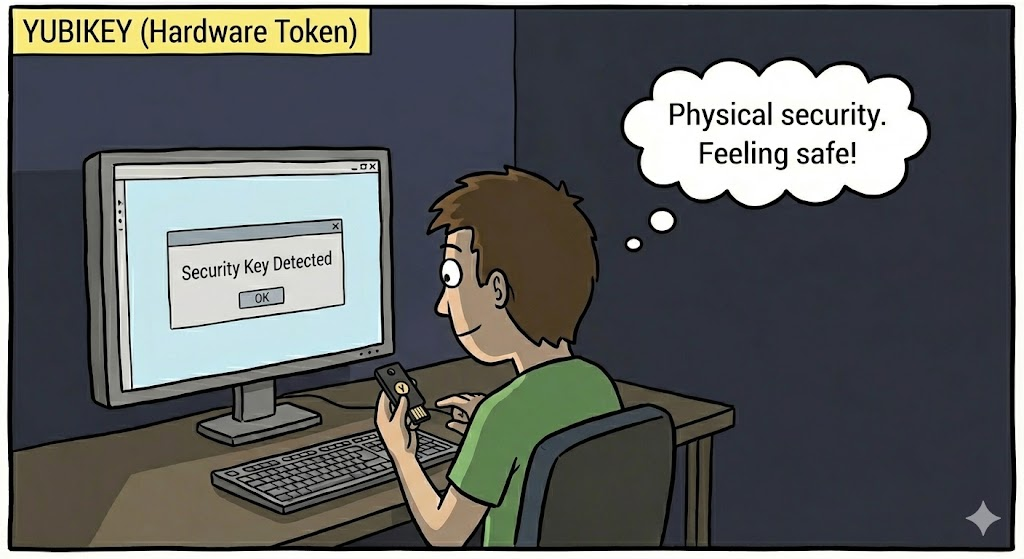
Why Duo Push + YubiKey Is a Practical Upgrade
Cisco Duo’s free tier lets you deploy push-based MFA across Windows, macOS, and Linux but standard push is still just second-factor MFA, plus What happens if you lost your phone or if it ran out of juice?!!
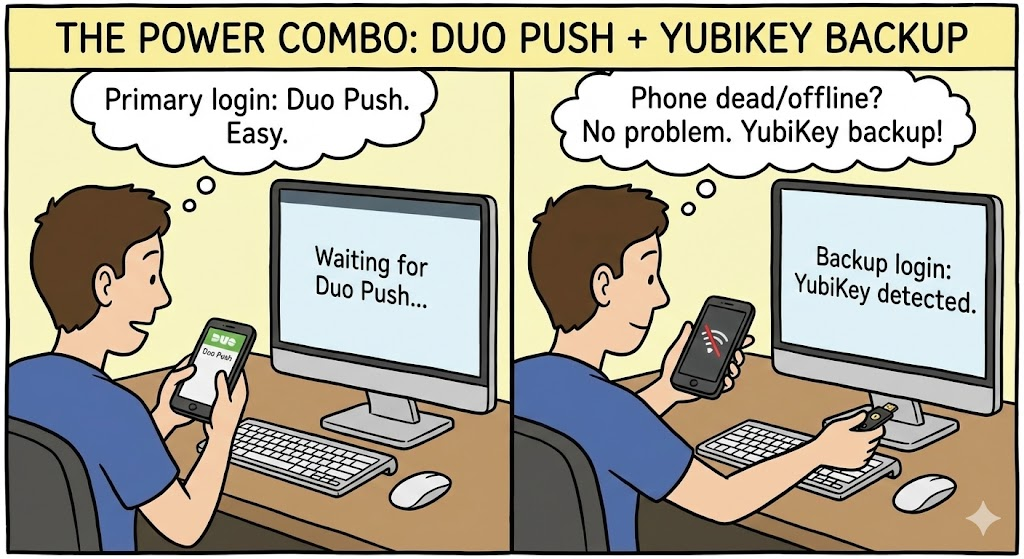
Thats why combining Push notification with YubiKey hardware provides:
- Primary MFA (Push) for a seamless daily login experience and elevation of administrator tasks.
- Secondary / offline option (YubiKey) in case phones die, lost or internet is unreachable
- Layered defense that mitigates credential compromise and phishing risk
This isn’t theoretical, I’ve used this combination for over 3 years now to secure systems ranging from laptops to jump boxes without the cost of subscriptions. My only cost into it is the cost of the YubiKeys I purchased back in 2022.
Stretch Your Free Duo License with Username Aliases
One barrier to using Duo’s free plan is the user cap (10 users). Here’s a trick that’s saved me hundreds of dollars:
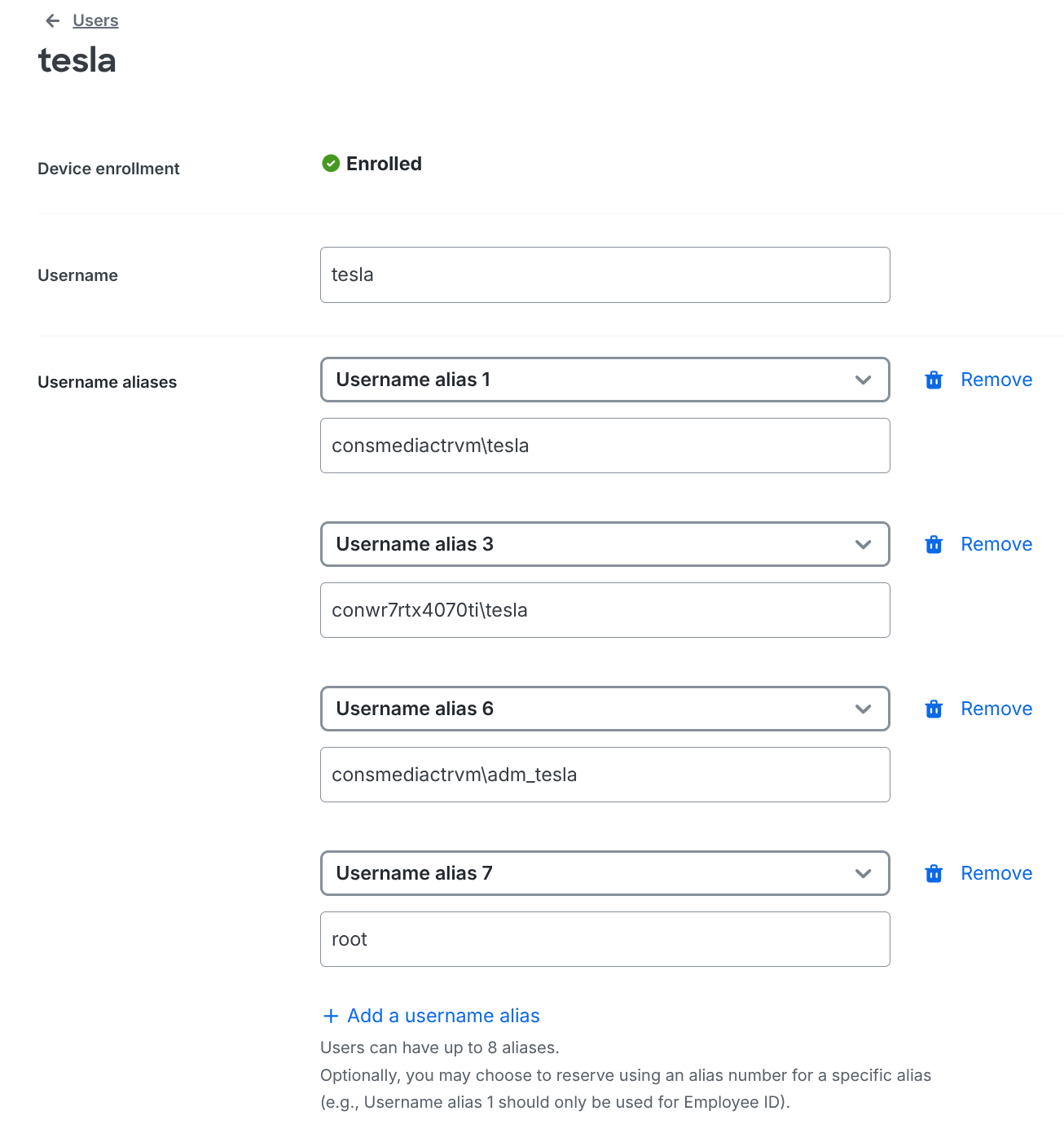
Instead of creating one Duo user per local account (e.g., admin, root, john, ubuntu, etc.), use Duo username aliases.
How It Works
For Windows devices you can specify 'hostname/username' and lets say you have an ultra-book, a gaming desktop and a gaming handheld device associated with the same user account. you can now practically cover all of them (up to 8) with a single user identity.
Linux, MacOS devices, you can use make sure your username is the same as in Duo.
Configure these in the Duo Admin Panel under the user’s “Aliases” field.
Deploying MFA with Duo
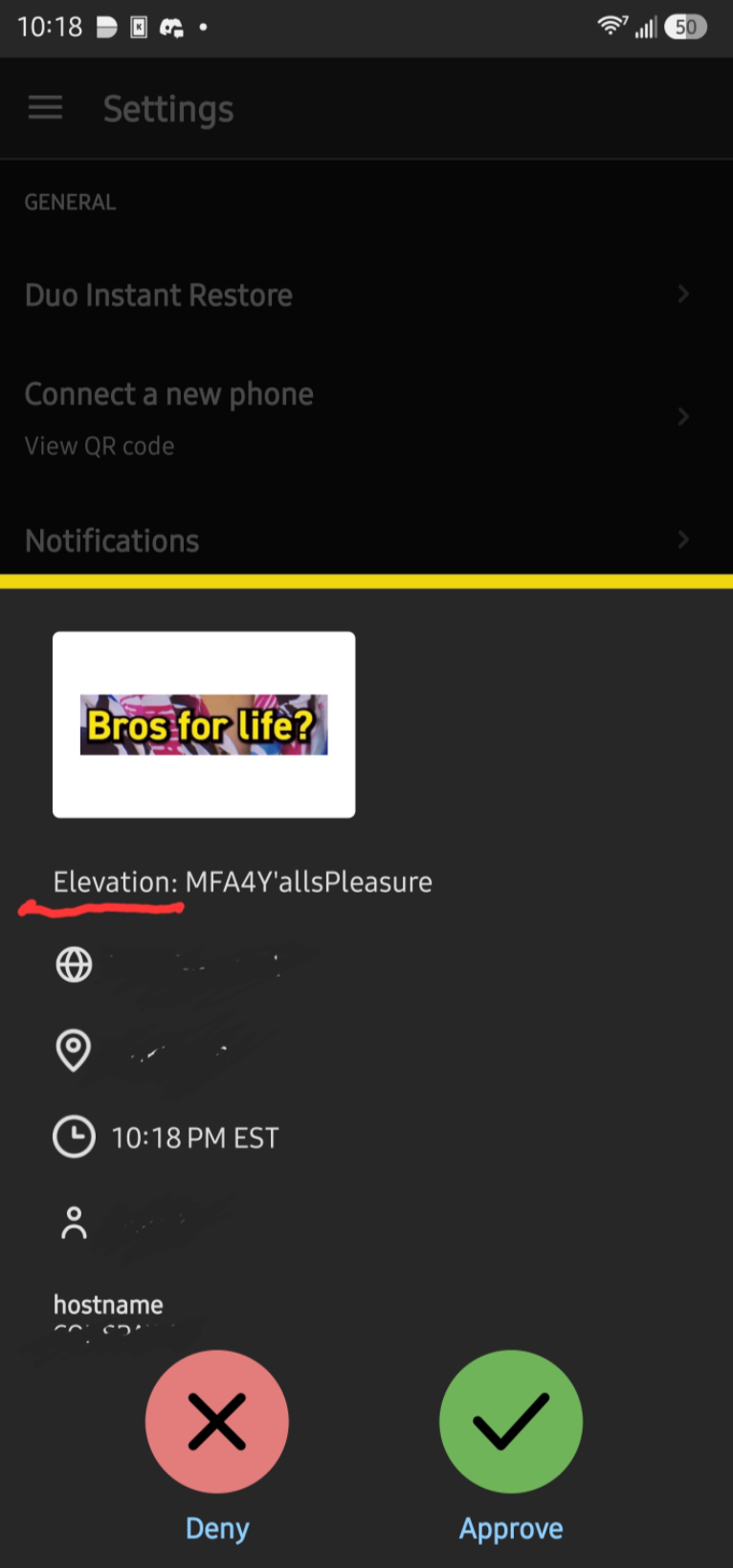
Windows (Login+RDP+Elevation)
- Install Duo Authentication for Windows Logon
- Enter the integration, secret, and API Hostname from Duo Admin
- Enable offline access cache
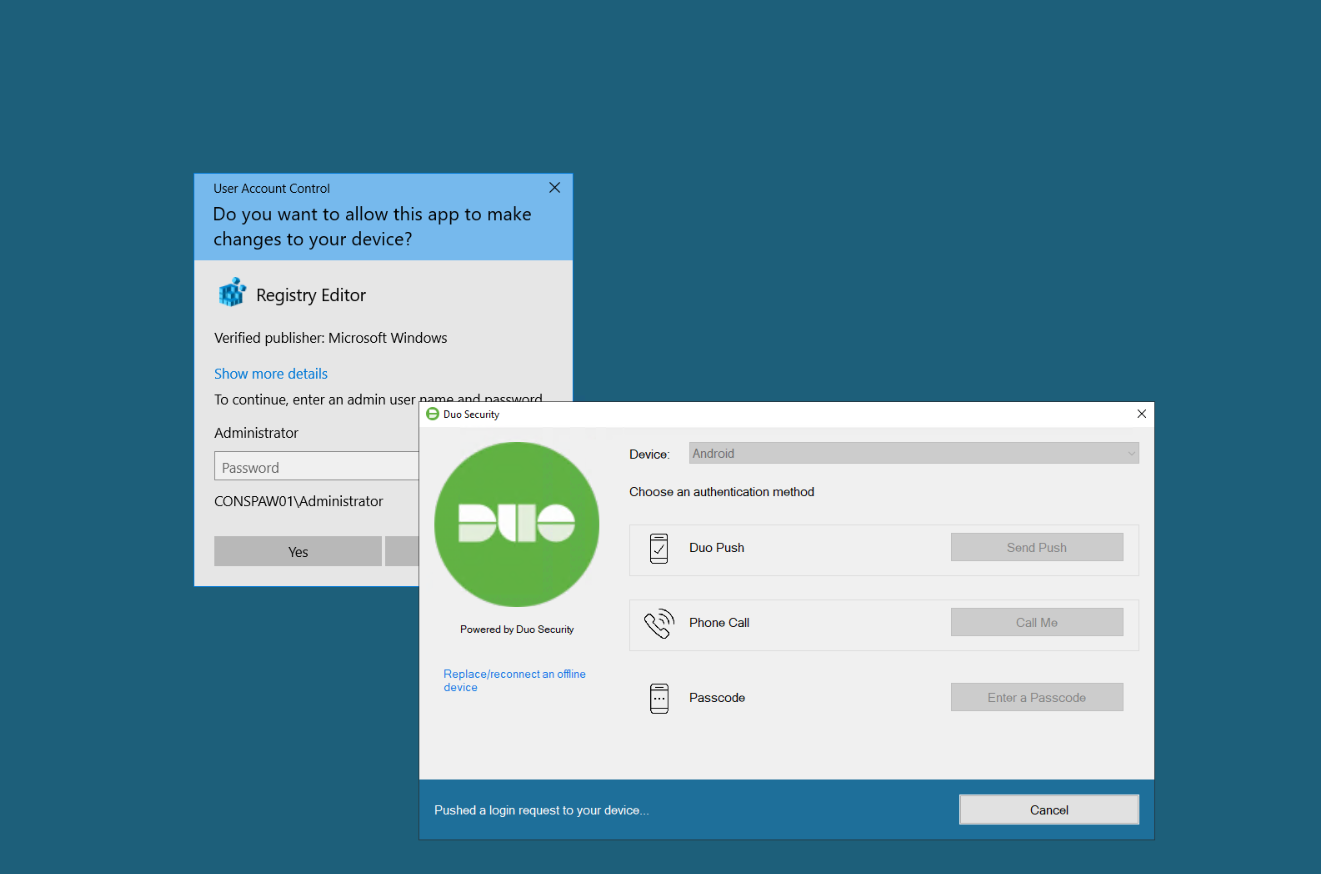
- Toggle the checkbox to protect UAC during the installation (optional but I highly recommend that for Windows boxes)
- Test login with a non-privileged account first
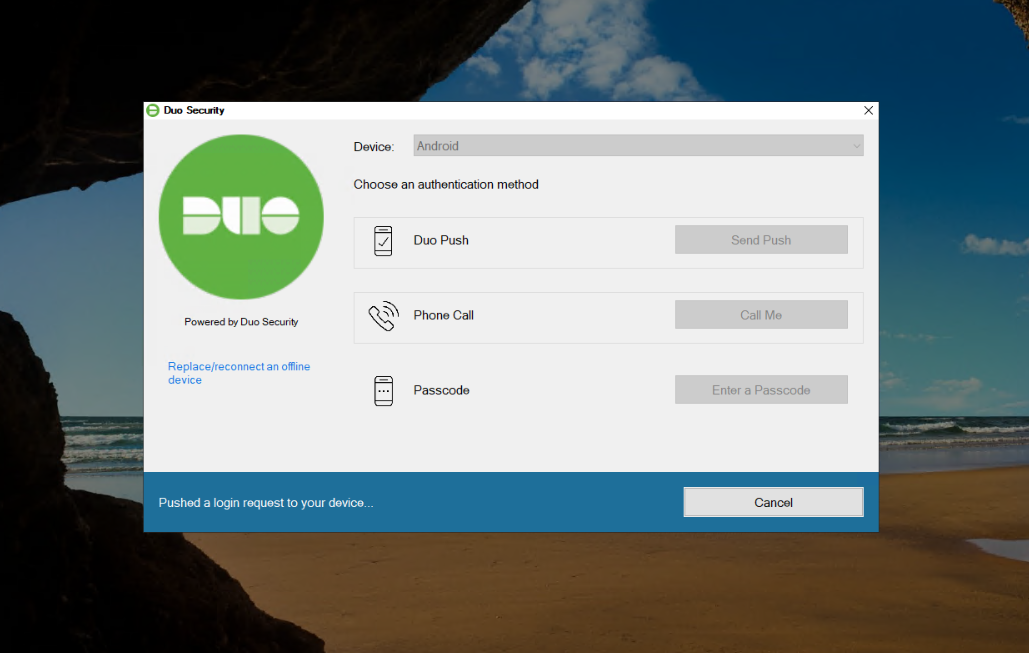
Result: Standard Windows and RDP logins prompt for Duo Push.
Linux (SSH + sudo)
- Install the Duo PAM module: apt/dnf install duo-unix
- Edit
/etc/duo/pam_duo.confwith your Duo API credentials - Add:
auth requiredpam_duo.so
to/etc/pam.d/sshd(andsudoif desired) - Restart SSH
Now SSH logins will require a Duo push. I highly recommend testing out pam authentication flow in a VM before rolling it out to your devices. its easy to make a mistake and lockout yourself if not careful.
macOS (Login + sudo)
- Install Duo Authentication for macOS
- Link it to your Duo tenant
- Enable MFA enforcement
macOS requests Duo push on system login as well as sensitive local actions.
Adding YubiKeys for Offline & Phishing-Resistant Authentication
YubiKeys are hardware tokens supporting FIDO/U2F/FIDO2 standards. They are strongly recommended for phishing resistance, attackers cannot trick a hardware key into authenticating to a domain it did not register with .
Duo + YubiKey Setup
- In Duo Admin, add a hardware token
- Register your YubiKey to your Duo account
- Save backup keys
YubiKey functions:
- Offline authentication when mobile devices are unavailable
- Fallback factor in situations where push isn’t possible
- Stronger resistance to phishing than TOTP codes
My recommended practice
Use push notifications as your primary second factor, and YubiKeys as fallback or high-risk factor (especially when on untrusted networks).
Final Thoughts: Securing for the Real World
Passwords alone are no longer sufficient. TOTP gave us a solid second factor, but it can still be phished. Push MFA improves usability but still has attack vectors.
Phishing-resistant methods — hardware keys and passkeys — represent the future of secure authentication, especially for critical infrastructure and privileged access.
Combining Cisco Duo MFA push with YubiKey hardware gives you:
- Practical, free-eligible MFA across systems
- Improved security posture
- Resilience against credential compromise and phishing
Even if you never pay for the full Duo platform, this hybrid approach is a massive security upgrade that’s accessible, effective, and future-forward.
Thanks to Cisco and Yubico for making strong MFA practical and accessible.